Saved Views on every table, Supplier Cost List table, Forecast side drawer redesign, and editable Billing/Shipping Addresses
Summary of changes:
- Saved views are now available on every major table, with a new Manage views drawer to rename, reorder, hide, and delete views
- Redesigned SKU Forecast side drawer with a calendar view, line chart, and monthly forecast overrides
- Supplier Cost List now has its own page, replacing the Product Suppliers tab
- SKUs, Product Names, and other information can now be copied with one click from any table
- Billing and Shipping addresses for Purchase Orders and Stock Transfers can now be edited
- Safer Warehouse archival rules have been implemented
📌 Saved Views on every table
Saved views are now available on every major table: Products, Bundles, Inventory, Replenishment, Purchase Orders, Stock Adjustment, Stocktake, Suppliers, Supplier Cost List, and several Reports.
Each view saves its filters, sort order, column layout, and page size, so you can switch between setups without rebuilding them each time.
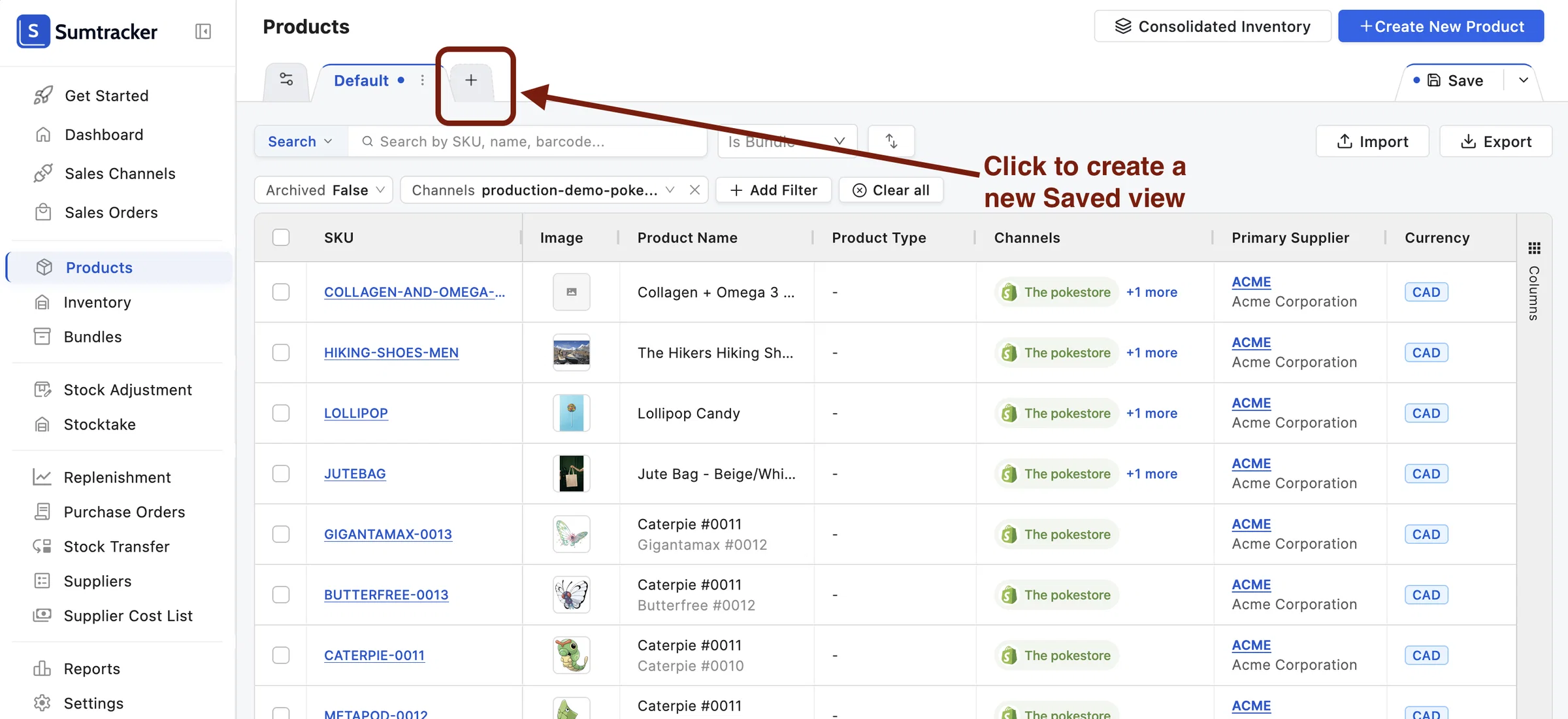
⚙️ New drawer to easily manage your views
A new Manage Views drawer lets you rename views, add a description, reorder tabs, reset, and delete views.
Views can also be "Hidden," which removes their tab from the table without deleting them. Hidden views can be made visible again at any time.
📈 Revamped design for Sales Forecast side drawer in Replenishment
The Sales Forecast side drawer, opened by clicking a SKU in the Replenishment table, has been redesigned. It now includes a calendar view and a line chart of your forecasted sales.
It also makes it easier to identify why a specific Reorder Date and Reorder Quantity are being suggested.
To make the data easier to use, it now shows forecasted sales only for the months that fall under your Days of Cover.
You can override the forecasted sales for any month by clicking on that month.
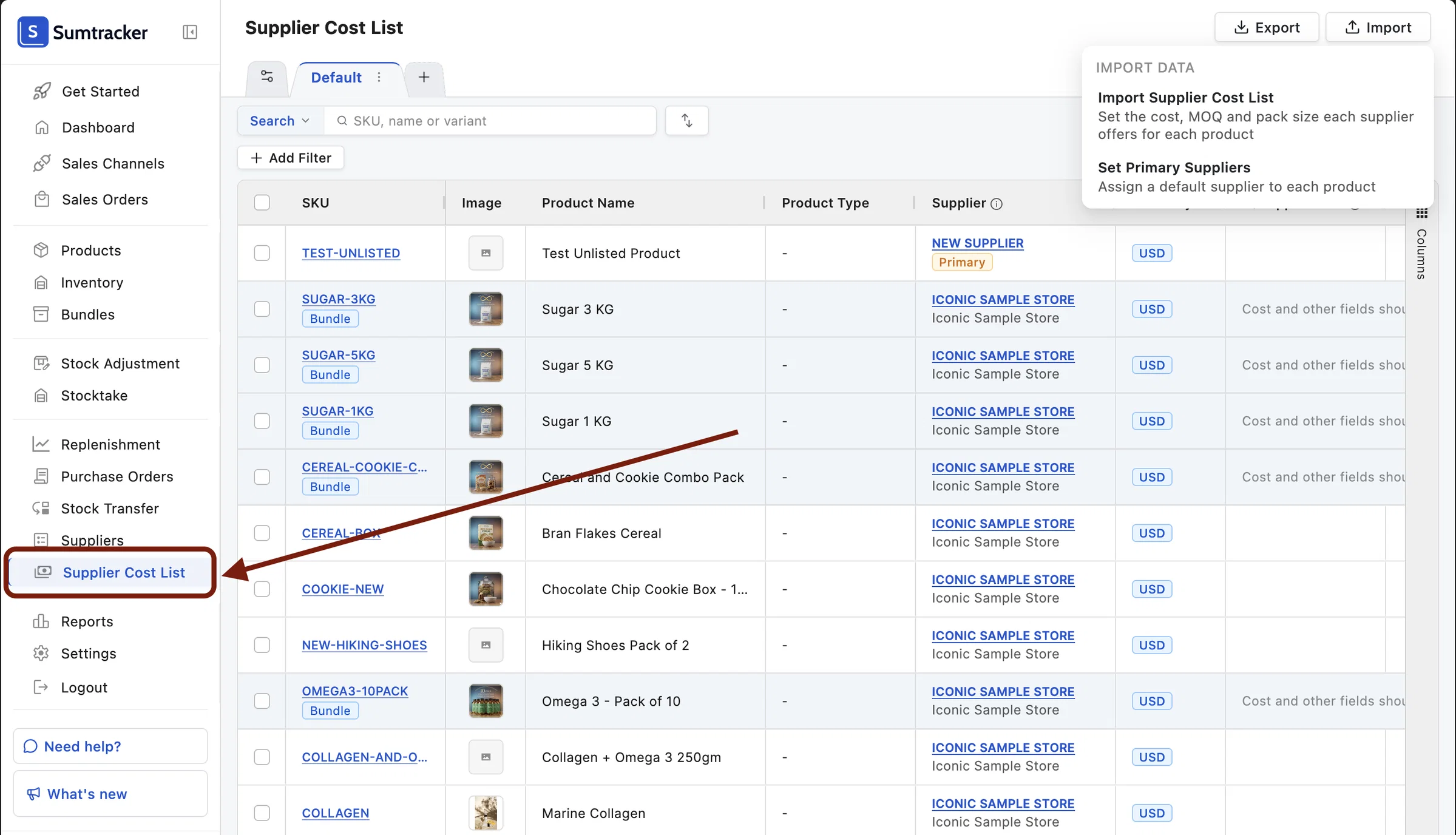
🔄 Supplier Cost List
Supplier Cost List now has its own page. It replaces the Product Suppliers tab that was previously on the Suppliers page.
The Import product suppliers option has also moved to this page and has been renamed to Import Supplier Cost List.
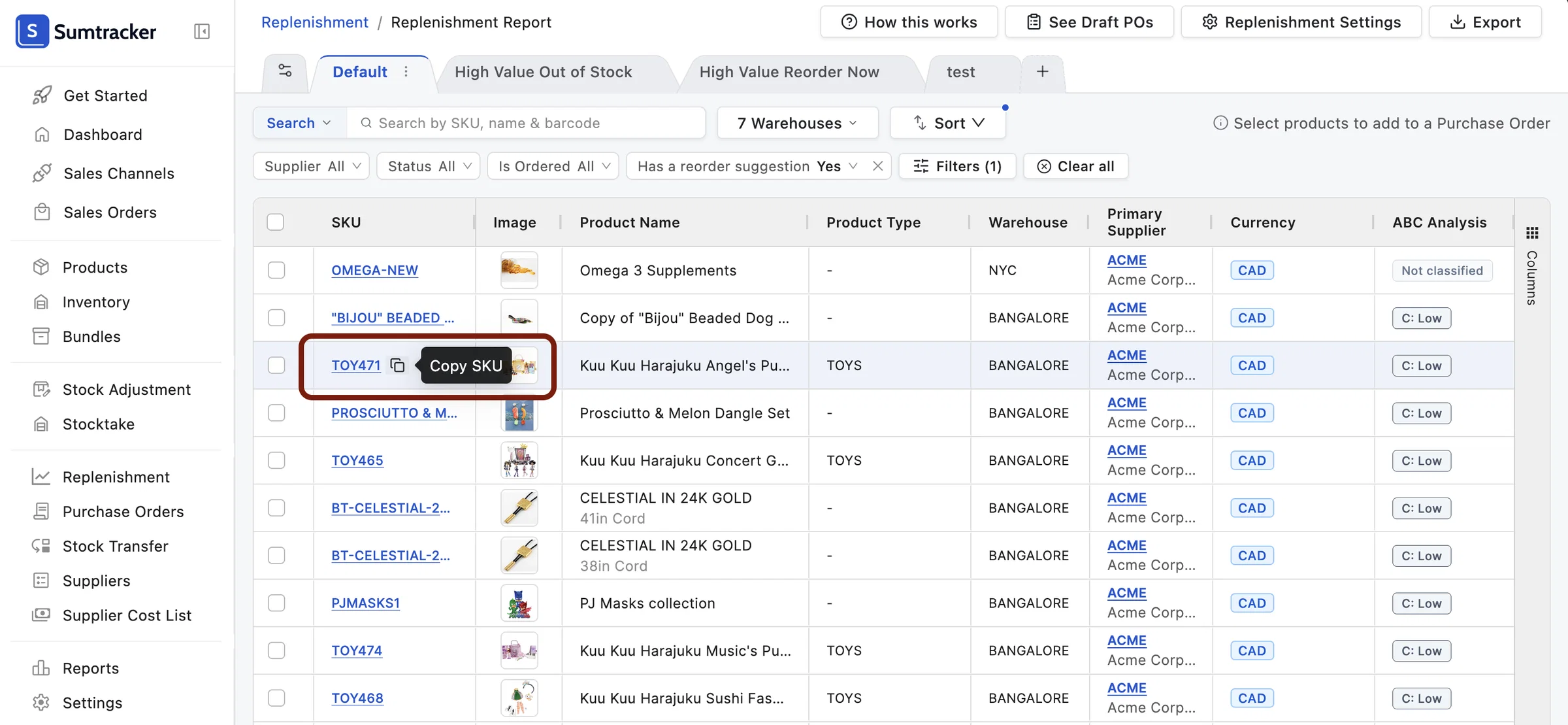
♻️ Copy your product information from any table with ease
Hover over cells in almost all tables in Sumtracker to see a copy button, letting you copy the value in one click.
🧾 Edit Billing and Shipping addresses
You can now edit the Billing and Shipping addresses used on Purchase Orders and Stock Transfers, which previously could not be changed. Go to Settings > Addresses, under the Purchase Order & Stock Transfer section.
Billing and Shipping Addresses can also be edited from the Details tab in a Purchase Order.
🏢 Warehouse archiving
A warehouse can now only be archived once it has been unlinked from all channels.
When a warehouse is archived, a backup of its stock levels is emailed as a CSV to every user with access to that warehouse. You can also download the backup from the warehouse’s details page.
📋 Stock Adjustment lines with no change
Lines in a Stock Adjustment are now kept even when the quantity doesn’t change. Previously, lines with zero change were removed from the document.
🏷️ Product Types
The Shopify Product Types filter has been renamed to Product Types. Product Type columns and filters are now available in all tables.
If you have any questions or feedback about these updates, we’d love to hear from you!